Apps

Start where your spreadsheet already lives.

Compare the four official app experiences. Each one leads to mapped rows, a checked label sheet, and a PDF ready for the printer.

01

Best for getting started

Web editor

Run the complete workflow in your browser. Import Excel or CSV, paste rows, or connect a Google Sheet; then style, preview, and export without installing software.

  • Excel, CSV, pasted rows, and Google Sheets
  • Avery-compatible, A4, and US Letter layouts
  • Full-sheet preview and print-ready PDF export
Open web editor
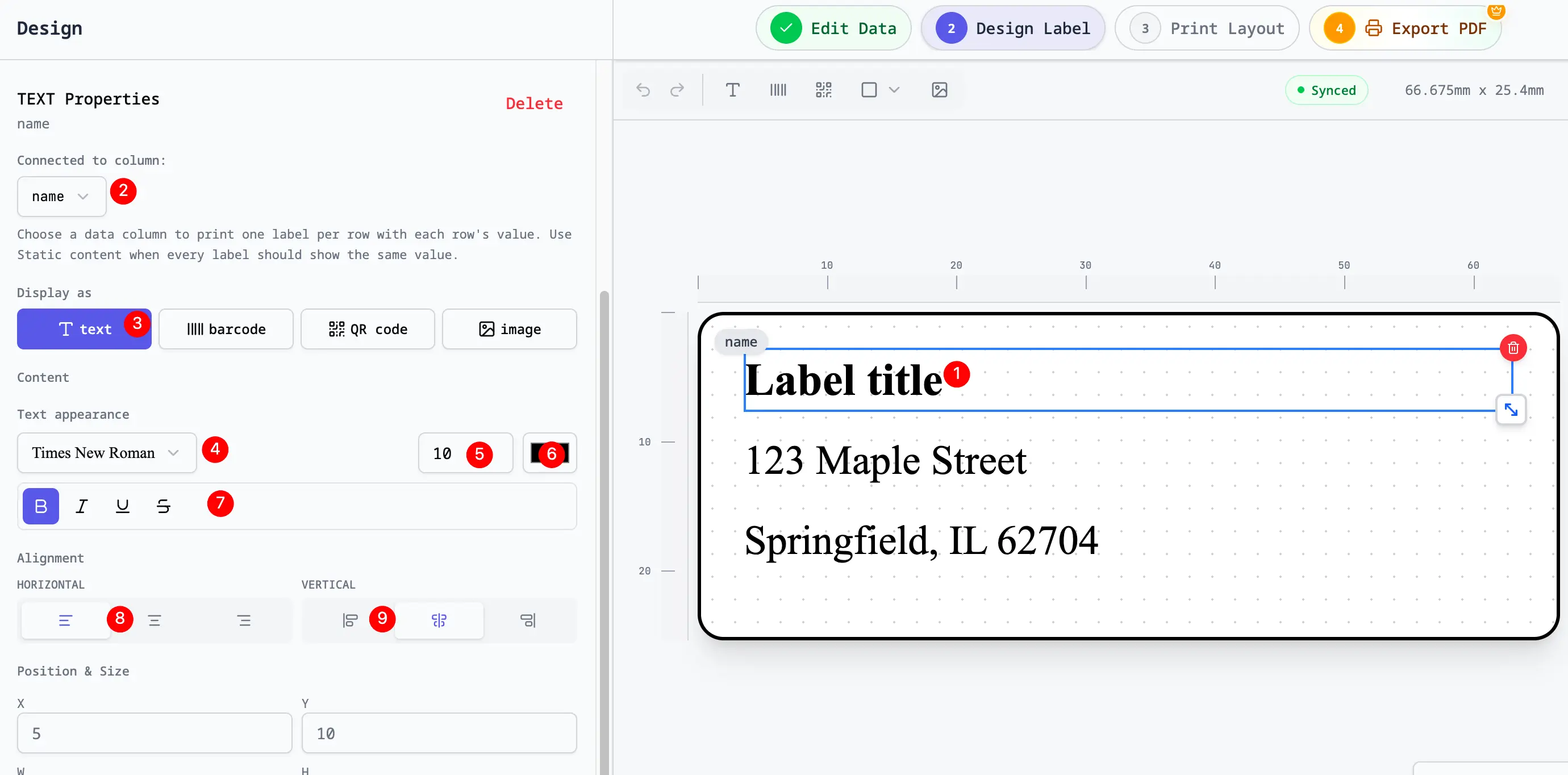
Web app label design editor
02

Best for a browser shortcut

Chrome extension

Keep a focused address-label workflow one click away in Chrome. The extension accepts local files, pasted rows, and shared Google Sheets links without inspecting your current tab.

  • Local Excel and CSV processing
  • Shared Google Sheets link import
  • Avery 5160, 5163, A4, and US Letter support
View in Chrome Web Store
Chrome extension app icon
03

Best for repeat desktop work

Mac app

Use a dedicated Mac experience when label work belongs beside your local spreadsheets and saved exports. It keeps the familiar spreadsheet-to-PDF workflow outside the browser.

  • Dedicated macOS workspace
  • Local Excel and CSV workflow
  • Reusable projects and PDF exports
Explore the Mac app
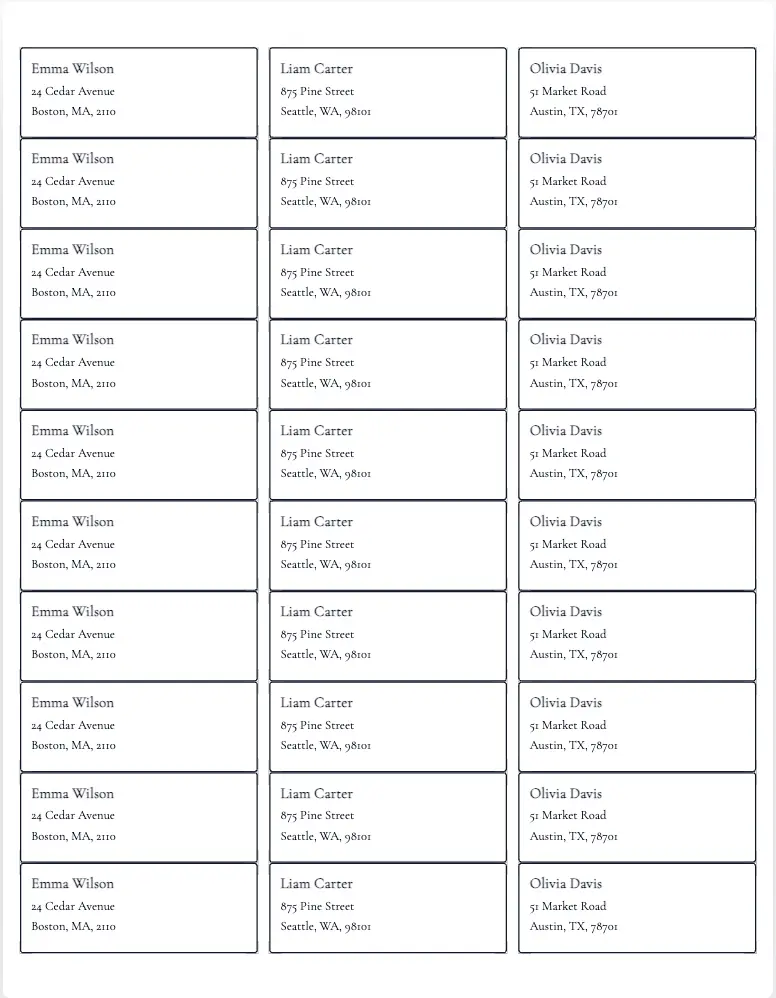
Address label sheet created with the Mac app
04

Best when the sheet is already open

Google Sheets add-on

Begin directly in Google Sheets. The add-on detects familiar fields such as name, company, street, city, state, postal code, and country before opening the label workflow.

  • Launch from the active Google Sheet
  • Common address-column detection
  • Free to install from Google Workspace Marketplace
Install from Workspace
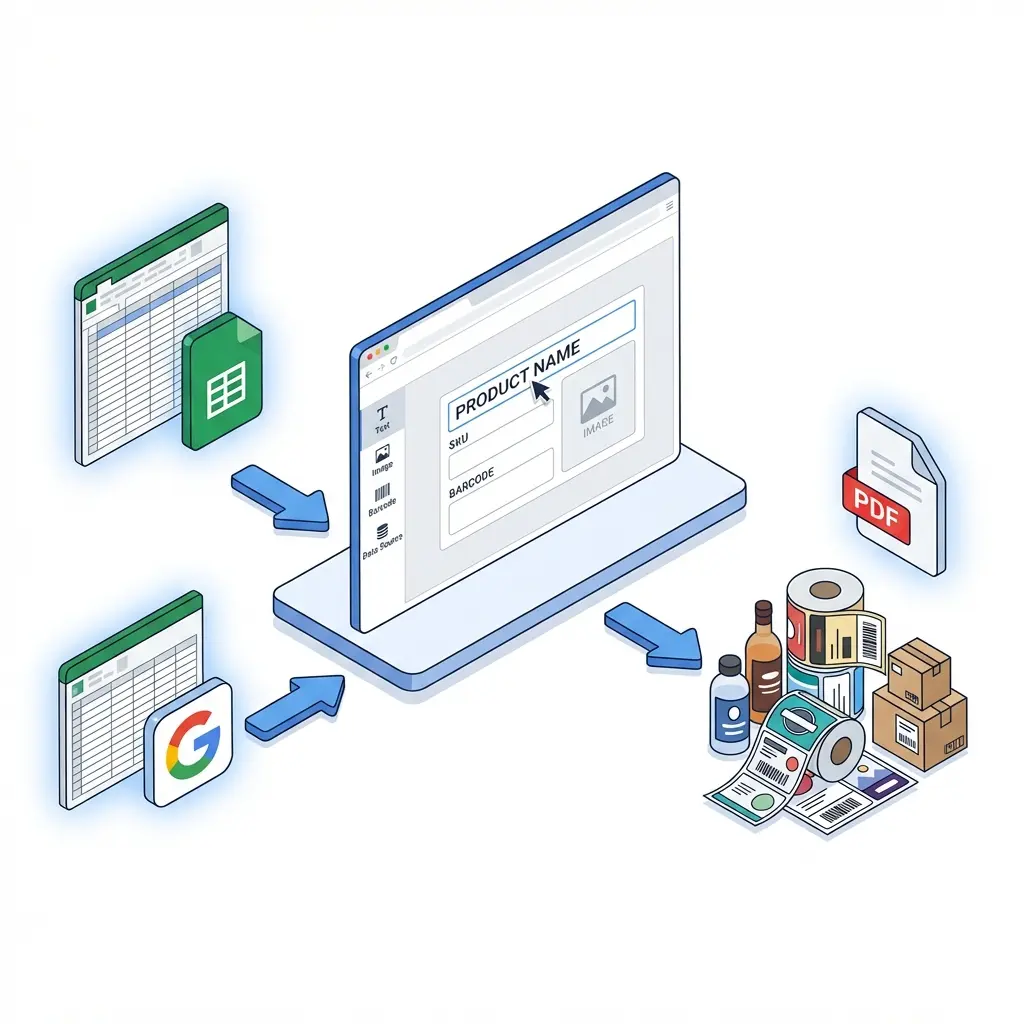
Google Sheets to label design workflow