Fastest start
Web editor
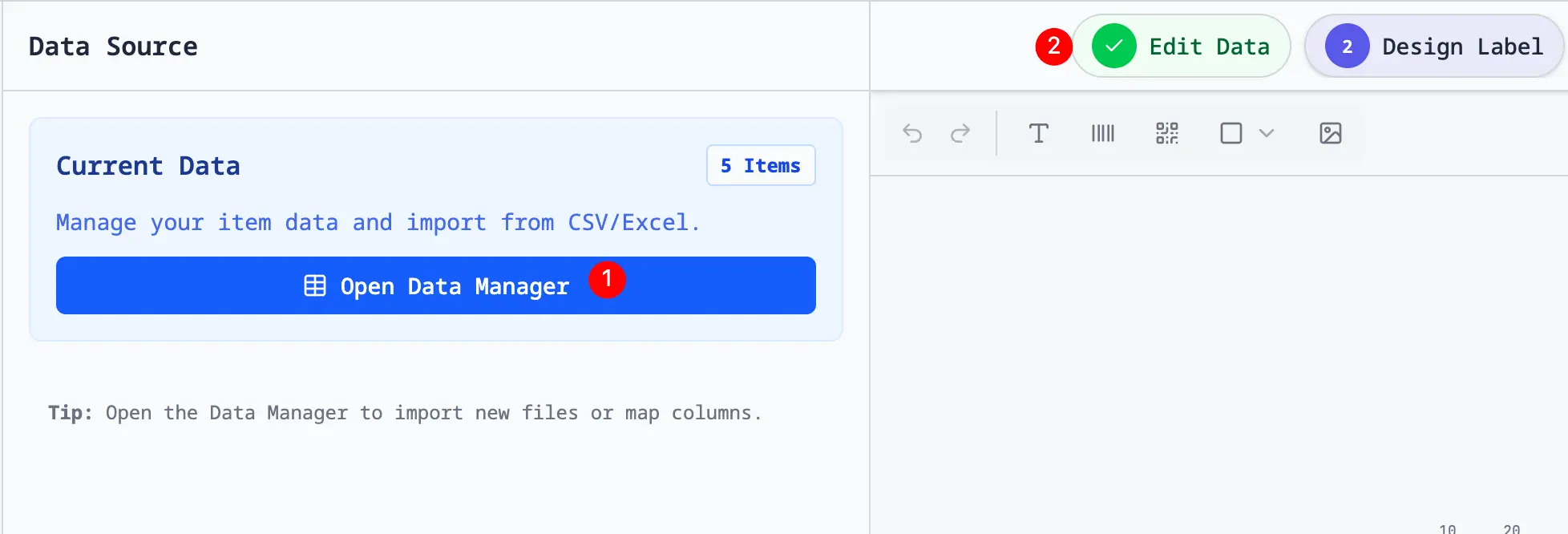
Import Excel or CSV, paste rows, or connect a Google Sheet. Design, preview, and export in one browser tab.
Create labels onlineApps for spreadsheet-to-print work
Choose how you want to work: open the web app, install the Chrome extension, keep a local Mac app, or begin inside Google Sheets.
The app directory
Every app begins with spreadsheet rows and leads to the same printable output. The difference is where you prefer to start.
Import Excel or CSV, paste rows, or connect a Google Sheet. Design, preview, and export in one browser tab.
Create labels onlineA focused Chrome workflow for local CSV and Excel files, pasted rows, and shared Google Sheets links.
Add to ChromeKeep repeat label jobs on your Mac with a desktop experience built around local files and PDF exports.
Get the Mac appLaunch from the active spreadsheet, detect common address columns, and continue into the label workflow.
Install from WorkspaceA shared workflow
Upload Excel or CSV, paste address data, or use a Google Sheets link.
Map name and address fields, adjust type and spacing, then choose a sheet layout.
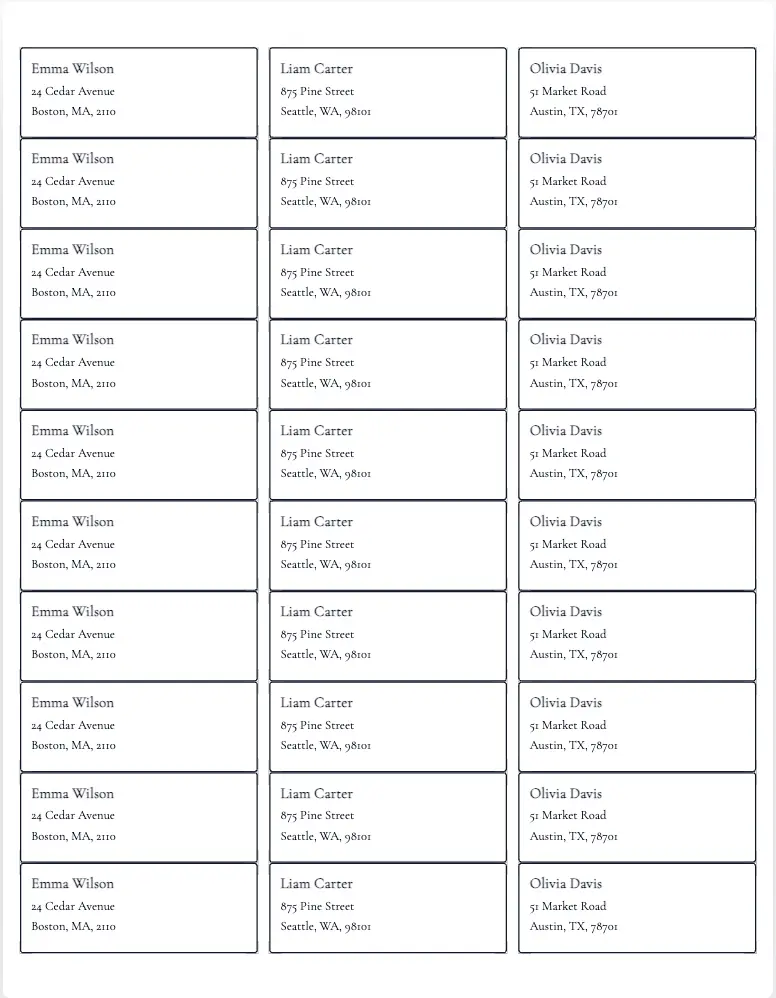
Check the full sheet before exporting a PDF for 100% scale printing.
Made for real printers
Choose popular address and shipping label layouts including Avery 5160 and 5163 compatible sheets, plus A4 and US Letter options. The preview shows the complete sheet before you download.
Start in the right place